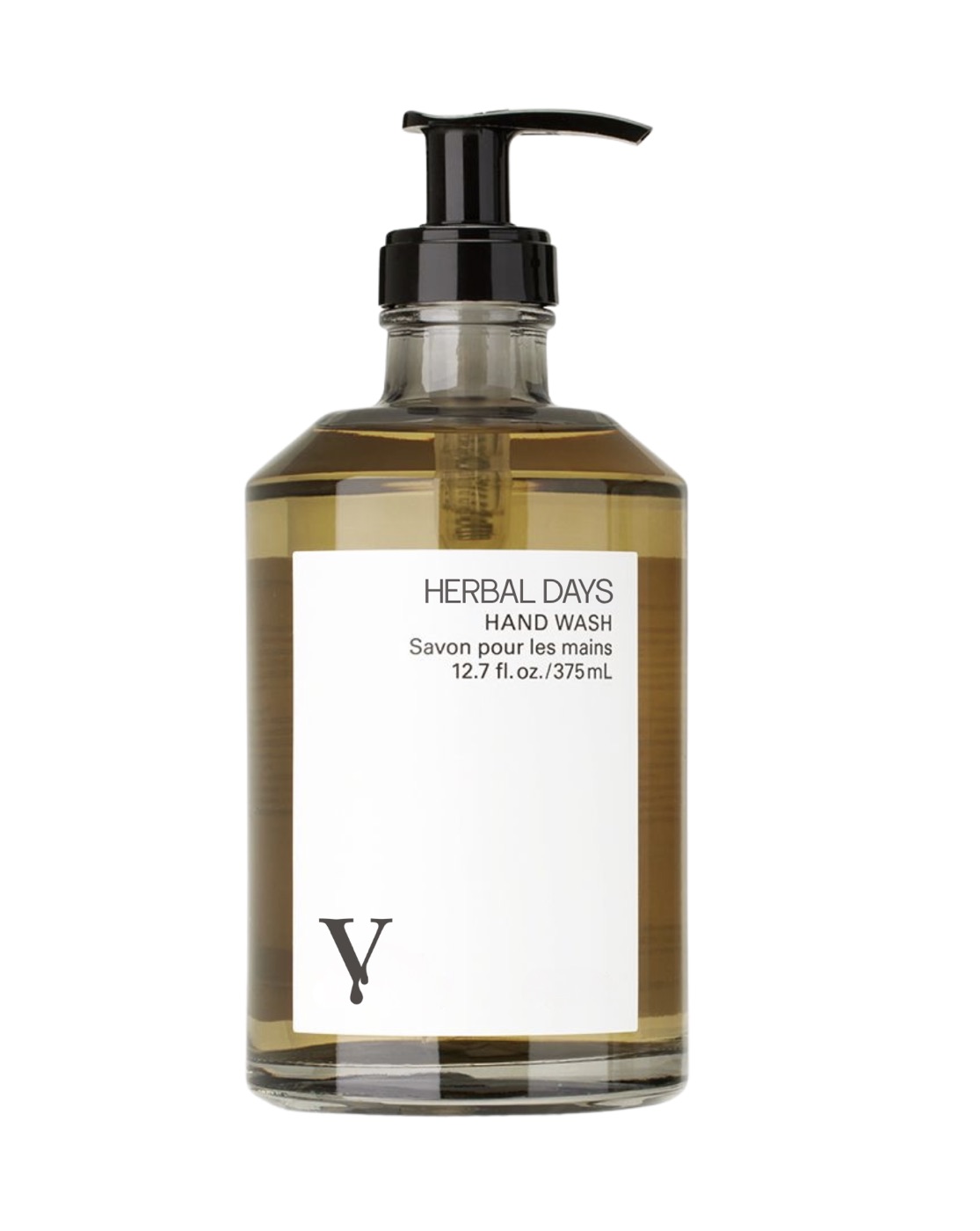
// Product + presets = campaign demo.
// One product (left), six preset-driven outputs in a 2x3 grid (right).
// Each output tile tap-flips between the preset (recipe) and the output (result),
// matching the gallery's interaction so users already know the gesture.
// Lives below the Gallery on the overview page.

function PSCampaign() {
  const outputs = Array.from({ length: 6 }, (_, i) => ({
    id: i + 1,
    output: `assets/campaign/campaign-output-${i + 1}.jpg`,
    preset: `assets/campaign/campaign-preset-${i + 1}.jpg`,
  }));

  return (
    <section
      id="campaign"
      className="ps-section"
      data-mobile-pad="true"
      data-mobile-y="lg"
      style={{ background: 'var(--cream-deep)', padding: '128px 48px' }}
    >
      <div
        className="ps-stack-mobile"
        style={{
          maxWidth: 1320,
          margin: '0 auto 64px',
          display: 'grid',
          gridTemplateColumns: '1fr 1fr',
          gap: 64,
          alignItems: 'end',
        }}
      >
        <div>
          <div className="eyebrow" style={{ marginBottom: 14 }}>
            <span
              style={{
                display: 'inline-block',
                width: 24,
                height: 1,
                background: 'var(--cocoa)',
                verticalAlign: 'middle',
                marginRight: 12,
              }}
            ></span>
            Product + presets = campaign
          </div>
          <h2
            className="celestial"
            style={{
              fontSize: 'clamp(48px,6vw,96px)',
              color: 'var(--cocoa)',
              margin: 0,
            }}
          >
            One product.<br />A full campaign.
          </h2>
        </div>
        <p
          style={{
            fontFamily: '"La Villa", sans-serif',
            fontSize: 17,
            lineHeight: 1.6,
            color: 'var(--fg-2)',
            maxWidth: 460,
            margin: 0,
            justifySelf: 'end',
          }}
        >
          Drop a product in, layer a preset on top, and you have a finished image. Stack six presets on the same product and you have a campaign. Shoot once. Generate the rest. <span style={{ fontFamily: '"La Villa", sans-serif', fontStyle: 'normal', color: 'var(--cocoa)' }}>Tap any image to see the preset that made it.</span>
        </p>
      </div>

      <div
        className="ps-campaign-grid"
        style={{
          maxWidth: 1320,
          margin: '0 auto',
          display: 'grid',
          gridTemplateColumns: '1fr 2fr',
          gap: 24,
          alignItems: 'center',
        }}
      >
        {/* Product hero on the left */}
        <div style={{ position: 'relative' }}>
          <div
            style={{
              position: 'relative',
              width: '100%',
              aspectRatio: '4 / 5',
              overflow: 'hidden',
              background: 'var(--cream)',
              boxShadow: '0 30px 70px -20px rgba(42,36,32,0.35), 0 8px 22px rgba(42,36,32,0.10)',
            }}
          >
            <img
              src="assets/campaign/campaign-product.jpg"
              alt="The product being placed into six campaign scenes"
              loading="lazy"
              style={{
                position: 'absolute',
                inset: 0,
                width: '100%',
                height: '100%',
                objectFit: 'cover',
                objectPosition: 'center',
              }}
            />
            <div
              style={{
                position: 'absolute',
                top: 12,
                left: 12,
                padding: '6px 10px',
                background: 'rgba(28,23,21,0.62)',
                backdropFilter: 'blur(6px)',
                WebkitBackdropFilter: 'blur(6px)',
                color: 'var(--cream)',
                fontFamily: '"La Villa", sans-serif',
                fontSize: 9.5,
                letterSpacing: '0.22em',
                textTransform: 'uppercase',
                fontWeight: 500,
                borderRadius: 999,
              }}
            >
              Product
            </div>
          </div>
        </div>

        {/* 2x3 grid of preset-driven outputs */}
        <div
          className="ps-campaign-outputs"
          style={{
            display: 'grid',
            gridTemplateColumns: 'repeat(3, 1fr)',
            gap: 12,
          }}
        >
          {outputs.map((o, i) => (
            <CampaignTile key={o.id} item={o} autoHint={i === 0} />
          ))}
        </div>
      </div>

      <style>{`
        @media (max-width: 780px) {
          .ps-campaign-grid {
            grid-template-columns: 1fr !important;
            gap: 16px !important;
          }
          .ps-campaign-outputs {
            grid-template-columns: 1fr 1fr !important;
            gap: 8px !important;
          }
        }
      `}</style>
    </section>
  );
}

function CampaignTile({ item, autoHint }) {
  const [hover, setHover] = React.useState(false);
  const [tapped, setTapped] = React.useState(false);
  const [isTouch, setIsTouch] = React.useState(false);
  const tileRef = React.useRef(null);
  const showPreset = tapped || (!isTouch && hover);

  // One-time hint flip on the first tile so users learn the tap gesture.
  React.useEffect(() => {
    if (!autoHint || !tileRef.current) return;
    const el = tileRef.current;
    let played = false;
    const obs = new IntersectionObserver(
      (entries) => {
        entries.forEach((e) => {
          if (e.isIntersecting && !played) {
            played = true;
            const t1 = setTimeout(() => setTapped(true), 600);
            const t2 = setTimeout(() => setTapped(false), 1900);
            obs.disconnect();
            return () => {
              clearTimeout(t1);
              clearTimeout(t2);
            };
          }
        });
      },
      { threshold: 0.4 }
    );
    obs.observe(el);
    return () => obs.disconnect();
  }, [autoHint]);

  const handleTap = (e) => {
    if (e && e.preventDefault) e.preventDefault();
    setTapped((t) => !t);
  };

  return (
    <div
      ref={tileRef}
      role="button"
      tabIndex={0}
      aria-pressed={tapped}
      aria-label={`Output ${item.id} — tap to see the preset that produced it`}
      onTouchStart={() => {
        if (!isTouch) setIsTouch(true);
        setHover(false);
      }}
      onMouseEnter={() => {
        if (!isTouch) setHover(true);
      }}
      onMouseLeave={() => setHover(false)}
      onClick={handleTap}
      onKeyDown={(e) => {
        if (e.key === 'Enter' || e.key === ' ') handleTap(e);
      }}
      style={{
        position: 'relative',
        overflow: 'hidden',
        cursor: 'pointer',
        background: 'var(--cream)',
        aspectRatio: '3 / 4',
        userSelect: 'none',
        WebkitTapHighlightColor: 'transparent',
        boxShadow: '0 12px 30px -12px rgba(42,36,32,0.30)',
      }}
    >
      {/* RESULT (default) */}
      <div
        style={{
          position: 'absolute',
          inset: 0,
          backgroundImage: `url(${item.output})`,
          backgroundSize: 'cover',
          backgroundPosition: 'center',
          opacity: showPreset ? 0 : 1,
          transition: 'opacity 420ms ease',
        }}
      />
      {/* PRESET (revealed on tap/hover) */}
      <div
        style={{
          position: 'absolute',
          inset: 0,
          backgroundImage: `url(${item.preset})`,
          backgroundSize: 'cover',
          backgroundPosition: 'center',
          opacity: showPreset ? 1 : 0,
          transition: 'opacity 420ms ease',
        }}
      />
      {/* Vignette for legibility */}
      <div
        style={{
          position: 'absolute',
          inset: 0,
          background:
            'linear-gradient(0deg, rgba(42,36,32,0.55) 0%, rgba(42,36,32,0) 50%)',
          opacity: hover || tapped ? 1 : 0.7,
          transition: 'opacity 300ms',
        }}
      />
      {/* Toggle pill, top-left — visibly button-like so mobile users know to tap */}
      <div
        style={{
          position: 'absolute',
          top: 10,
          left: 10,
          display: 'inline-flex',
          alignItems: 'center',
          gap: 6,
          padding: '6px 10px',
          background: showPreset ? 'rgba(242,236,228,0.92)' : 'rgba(28,23,21,0.62)',
          backdropFilter: 'blur(4px)',
          WebkitBackdropFilter: 'blur(4px)',
          color: showPreset ? 'var(--cocoa)' : 'var(--cream)',
          fontFamily: '"La Villa", sans-serif',
          fontSize: 9.5,
          letterSpacing: '0.22em',
          textTransform: 'uppercase',
          fontWeight: 500,
          borderRadius: 999,
          transition: 'all 240ms',
        }}
      >
        <svg
          width="9"
          height="9"
          viewBox="0 0 24 24"
          fill="none"
          stroke="currentColor"
          strokeWidth="2.2"
          strokeLinecap="round"
          strokeLinejoin="round"
        >
          <path d="M16 4l4 4-4 4" />
          <path d="M20 8H6" />
          <path d="M8 20l-4-4 4-4" />
          <path d="M4 16h14" />
        </svg>
        {showPreset ? 'Preset' : 'Result'}
      </div>
      {/* Index — sits directly under the Result/Preset pill with breathing room,
         so it no longer competes with the preset name in the bottom-left.
         Dark on light because the top half of each tile (above the vignette)
         is the raw image, which is always light/cream. */}
      <div
        style={{
          position: 'absolute',
          left: 10,
          top: 48,
          fontFamily: '"La Villa", sans-serif',
          fontSize: 10,
          letterSpacing: '0.22em',
          textTransform: 'uppercase',
          color: 'var(--cocoa)',
          opacity: 0.9,
          textShadow: '0 0 6px rgba(242,236,228,0.7)',
        }}
      >
        {String(item.id).padStart(2, '0')} / 06
      </div>
    </div>
  );
}

Object.assign(window, { PSCampaign });